> ## Documentation Index
> Fetch the complete documentation index at: https://devzone.nayax.com/llms.txt
> Use this file to discover all available pages before exploring further.
# 报告
要监控运营绩效和财务指标(如销售趋势和机器健康状况),请前往 [Nayax Core](https://qa.nayax.com/core/public/f?model=reports/dashboard) 中的 Reports > Dashboard。此页面通过各种仪表板和数据组件为您的业务提供可自定义的视图。
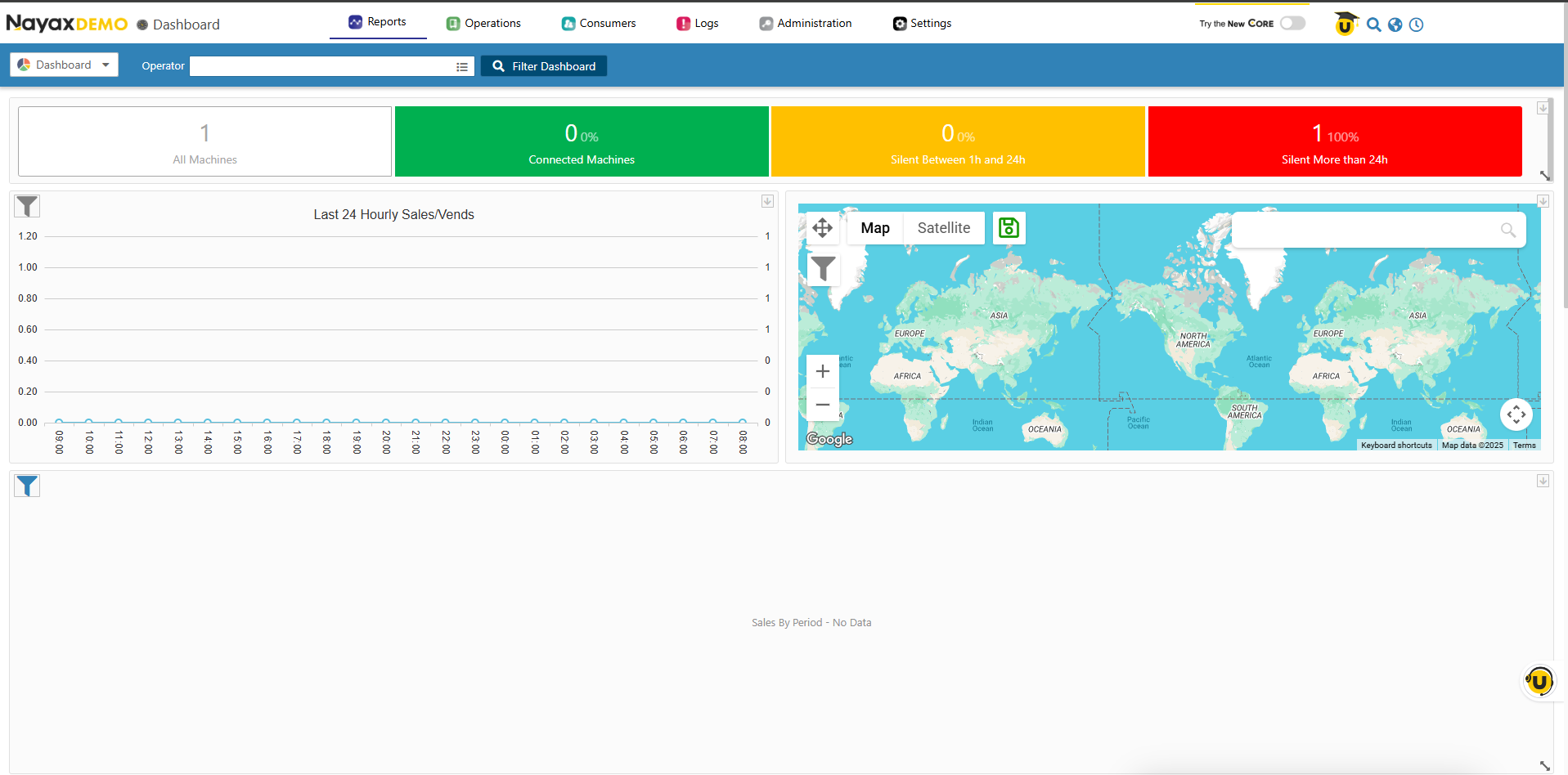 小部件和仪表盘在 Nayax Core 平台中服务于两个主要层面:
* **参与者(操作员)级别**:它整合了由特定参与者或操作员操作的所有机器的数据。
* **机器级别**:仅显示与单台机器相关的数据。
您还可以使用 Lynx API 以结构化格式 (JSON) 从这些组件中检索原始数据。请参阅[“使用 API 获取机器组件数据”](/docs/manage-data-operations/lynx-api/reports/retrieve-machine-widget-data)了解更多信息。
小部件和仪表盘在 Nayax Core 平台中服务于两个主要层面:
* **参与者(操作员)级别**:它整合了由特定参与者或操作员操作的所有机器的数据。
* **机器级别**:仅显示与单台机器相关的数据。
您还可以使用 Lynx API 以结构化格式 (JSON) 从这些组件中检索原始数据。请参阅[“使用 API 获取机器组件数据”](/docs/manage-data-operations/lynx-api/reports/retrieve-machine-widget-data)了解更多信息。
This documentation is built and hosted on [Mintlify](https://mintlify.com), a developer documentation platform.