

Israel
In Israel, you would have your device have a test terminal configurations: This is done in order to be able to access the app without activating the device.Setting up test terminal configurations
You’d click on Agamento’s logo a 7 times- you’d see the “Login” page switch from “Login to DCS” to “Login to DCS QA2”, as well as having a “Skip” button: you’d click on said “Skip” button. You’d then go into the Technician menu again, this time into “Payment Services”: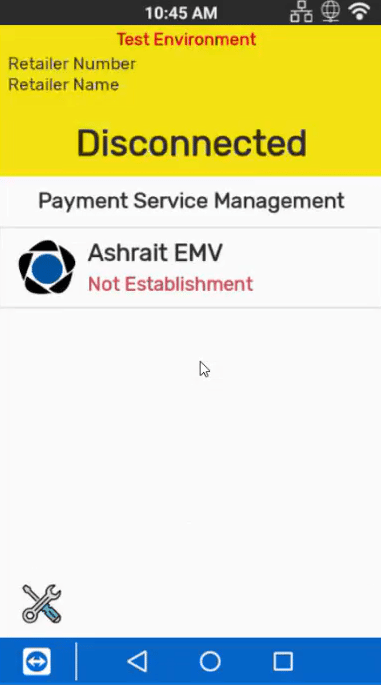
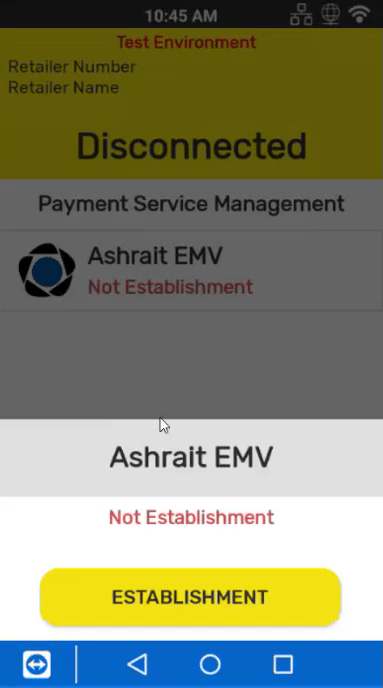
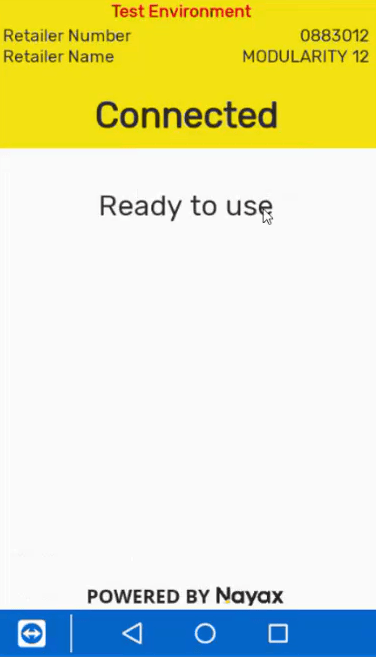
When using test terminal configurations (only relevant in Israel), the customer must ensure to issue test cards: this is something that is unrelated to Nayax as we do not issue cards, and can be done via a few different issuers, such as:
Max, Cal, Isracard etc.
Should a real credit card be presented when configured to test terminal- it would be declined as the card would be directed to SHVA’s test servers (who expect test cards only)
Max, Cal, Isracard etc.
Should a real credit card be presented when configured to test terminal- it would be declined as the card would be directed to SHVA’s test servers (who expect test cards only)