

- Lynx - SQS Encryption
Access the Lynx API
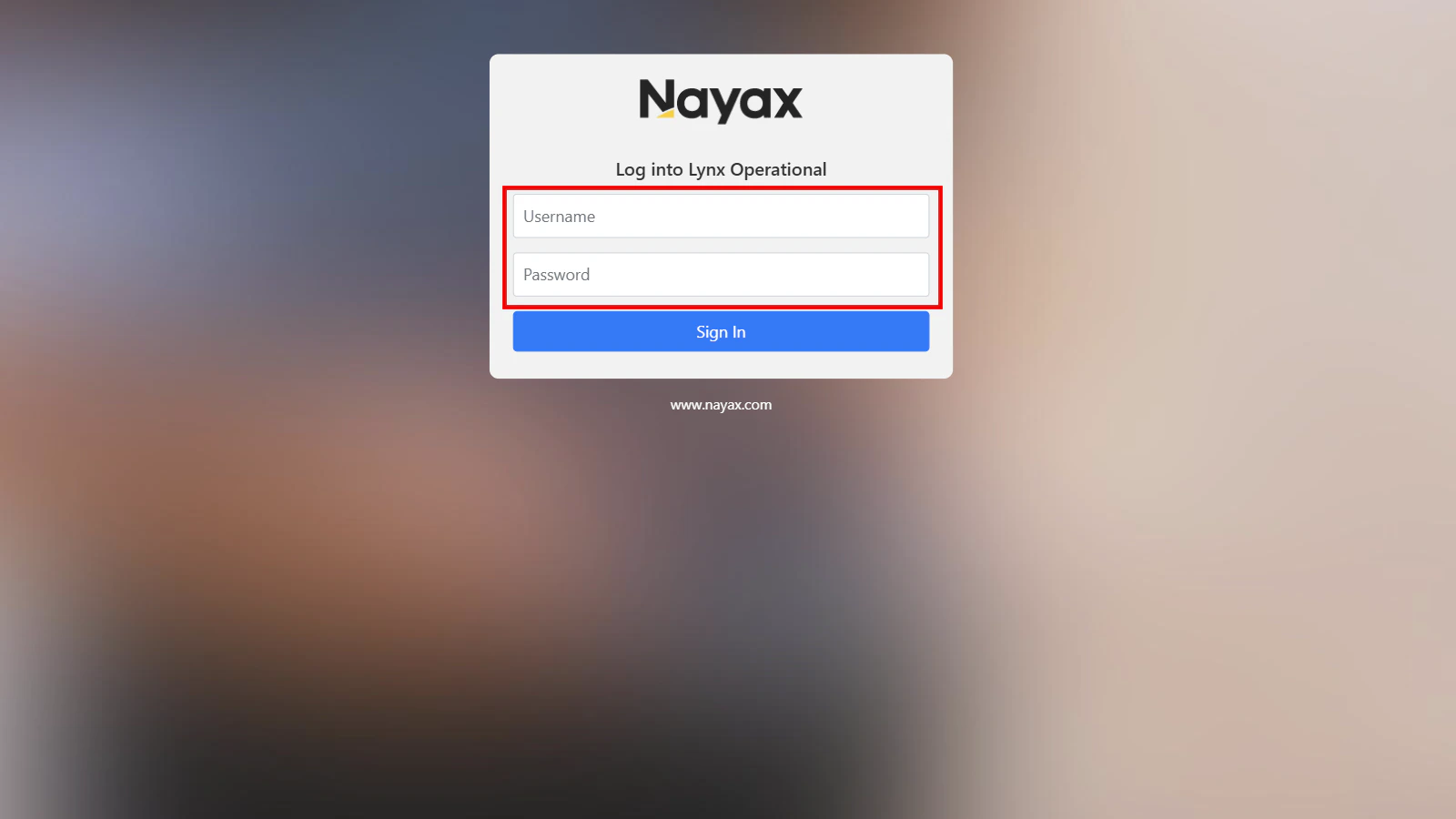
- Log into Lynx Operational
-
Enter your Nayax Core credentials.
Generate encryption keys
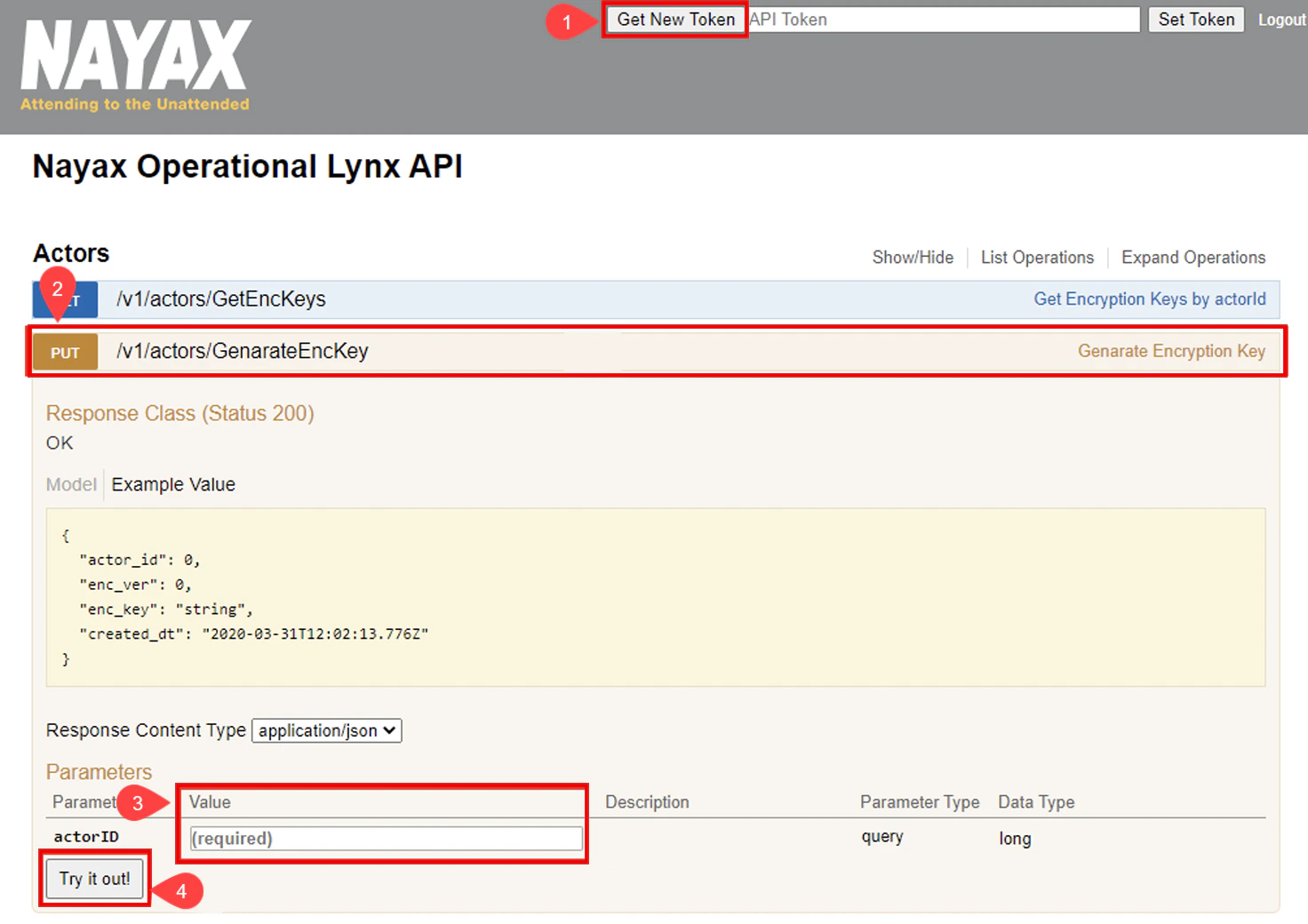
You will need the Actor ID (Operator ID) to generate encryption keys, which can be found in Nayax Core under Administration > Operator > Details tab.- Click the Generate New Token button in the top-right corner of the Lynx API interface.
- Select the PUT /v1/actors/GenerateEncKey row to reveal more details.
- Enter the
actorIDparameter value. - Click the Try it out! button to generate a new encryption key.
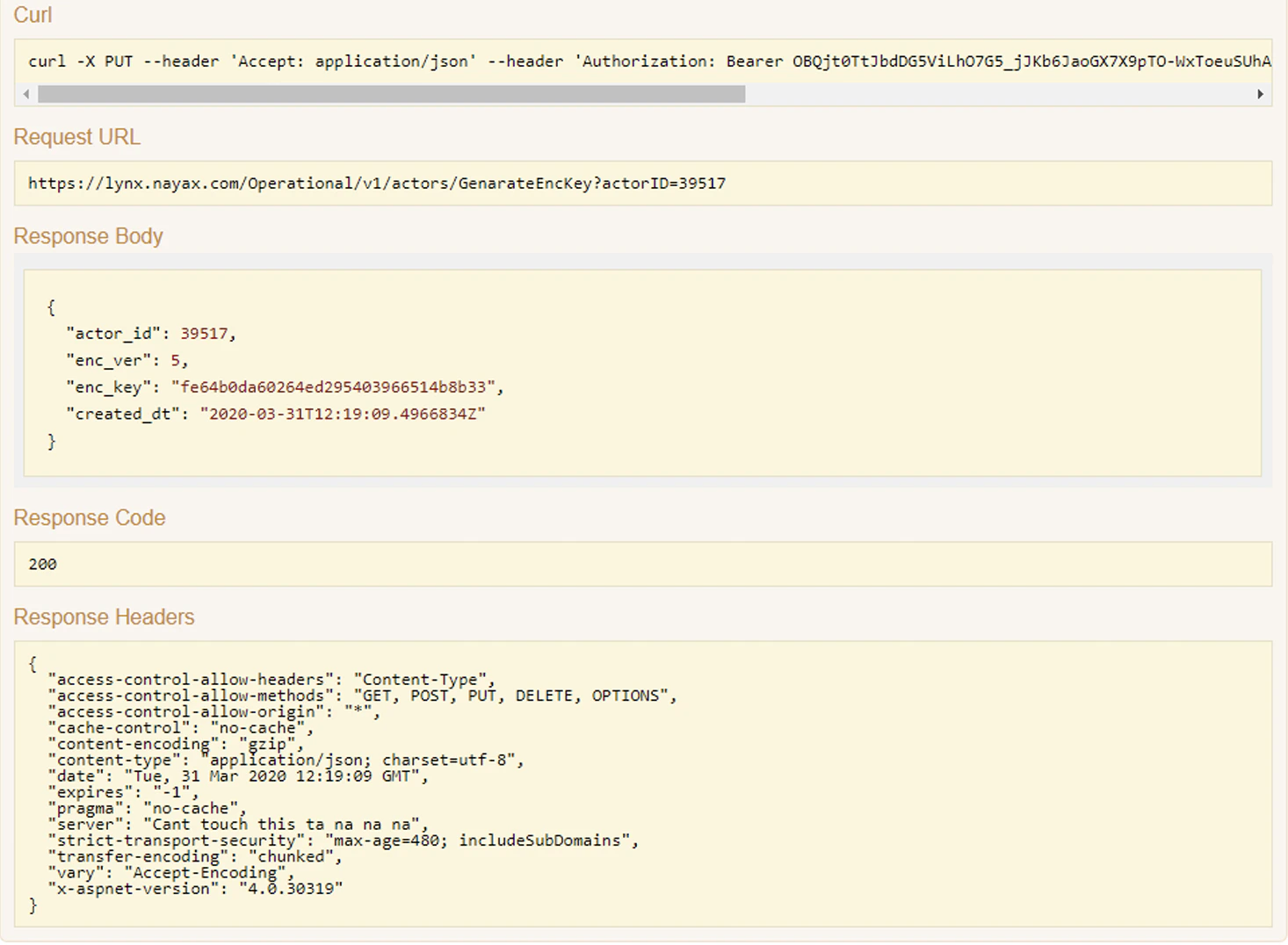
Example Response
List encryption keys
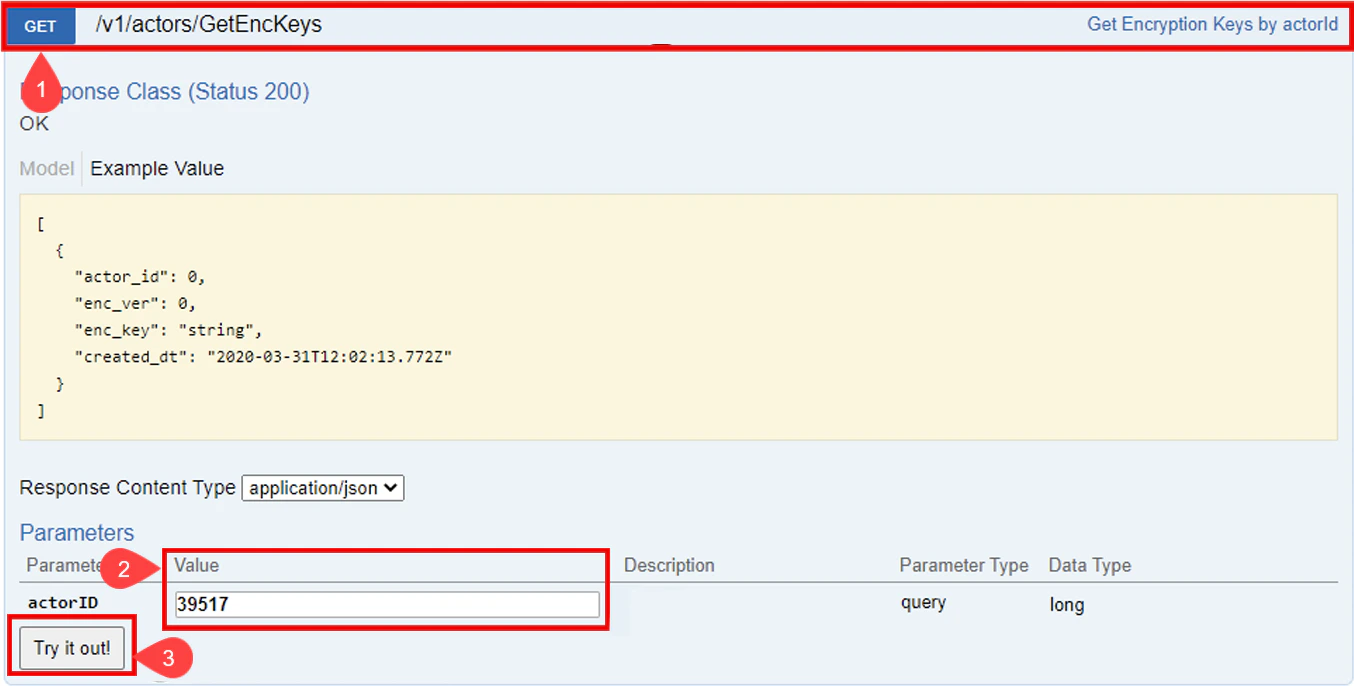
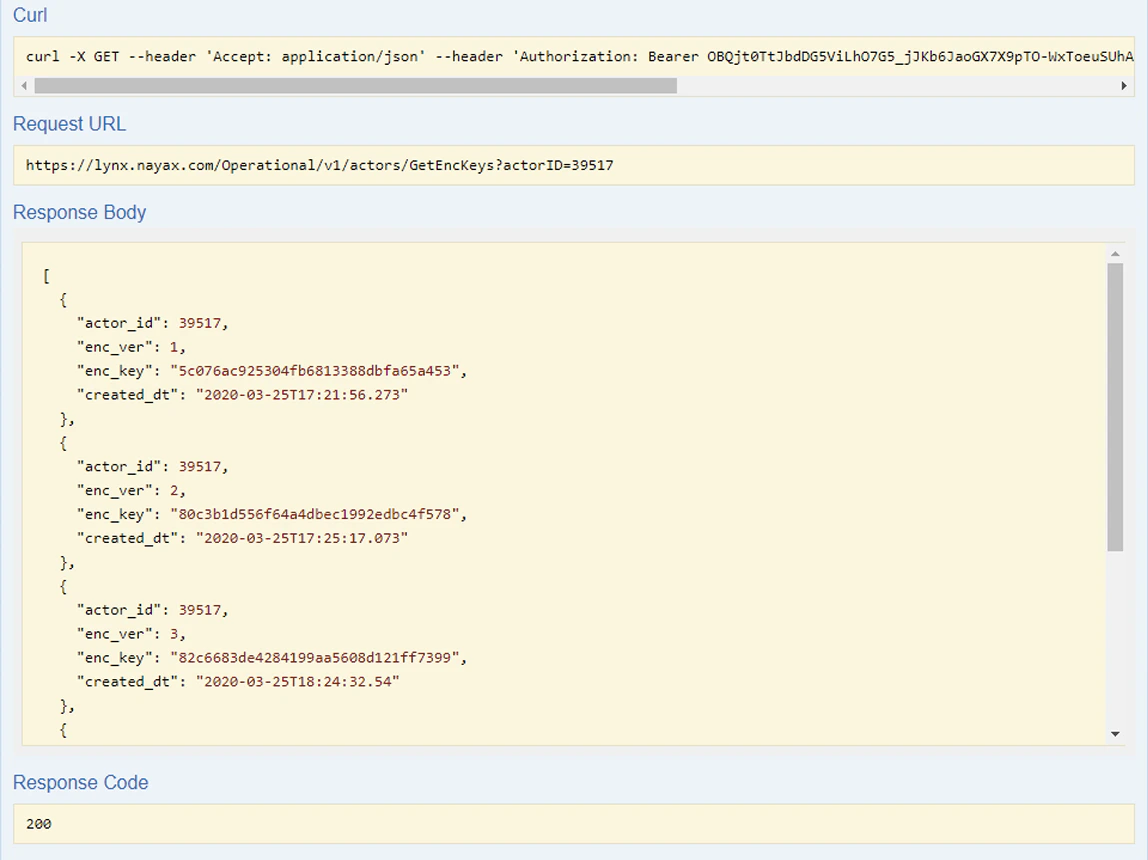
You can retrieve all previously generated keys using the Lynx API’s GET Encryption Keys option:- Click on GET /v1/actors/GetEncKeys row to reveal more details
-
Enter the
actorIDparameter value. -
Click the Try it out! button to view the list of generated keys.
By following these steps, you can ensure secure and encrypted message delivery to Amazon SQS.
Decrypt messages
You can also use the encryption key to perform the decryption of messages. See the code block below:- It initializes the AES algorithm with a
keyand an initialization vector (IV) and then creates adecryptor. - The encrypted message, provided as a
Base64string is converted back into bytes and read using aMemoryStreamandCryptoStreamwith thedecryptor. - The decrypted data is then read and returned as the original plaintext string.