

读卡器
Transaction Start Method 设置定义了读卡器在空闲状态下可通过什么方式启动交易。将其设置为 Accept All,以便读卡器在空闲模式下接受卡片,从而触发 Device Stop 流程。当您将 Device Stop 与 Remote Start 配对使用时,此属性必须为 Accept All,而不能是 Accept Nothing:当两者一起运行时,由 Device Stop 决定该值。
VPOS Touch
VAS configurations 设置用于告知服务器该机器支持 Spark Device Stop 功能。请根据与 Device Stop 配对的启动流程进行设置:- Remote Start with Device Stop:设置为 Spark Device Stop,或同时设置 Spark Device Stop 和 Spark Remote Start。两种方式均可。
- Device Start with Device Stop:仅设置为 Spark Device Start (V2)。Device Start (V2) 值同时涵盖 Device Start 和 Device Stop。
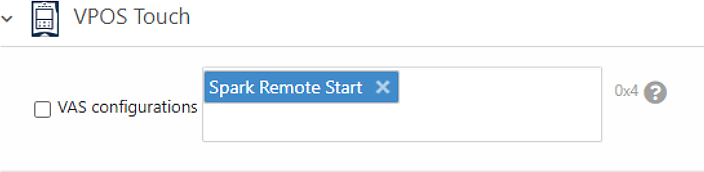
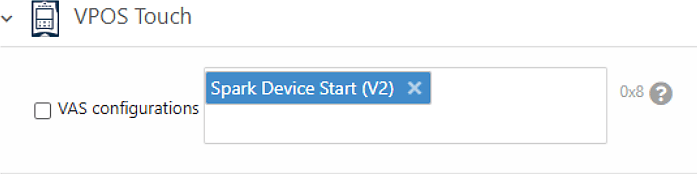
配置摘要
根据与 Device Stop 配对的启动流程,使用此表作为快速参考:后续步骤
设备停止
了解 Device Stop 交易流程在 API 层面的运作方式。
附加功能
配置 POS 显示超时、空闲模式图片及其他选项。