

Card readers
The Transaction Start Method setting defines what can start a transaction through the card reader while it is idle. Set it to Accept All so the card reader accepts cards in idle mode to trigger the Device Stop flow.When you pair Device Stop with Remote Start, this attribute must be Accept All,
not Accept Nothing: Device Stop determines the value when the two run together.
VPOS touch
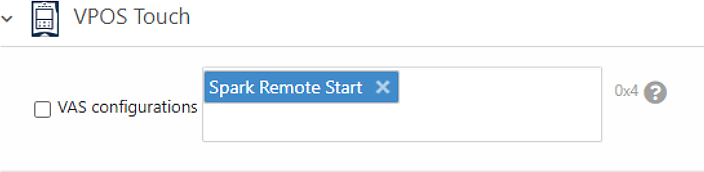
The VAS configurations setting informs the server that the machine supports the Spark Device Stop feature. Set it based on the start flow you pair with Device Stop:- Remote Start with Device Stop: set Spark Device Stop, or both Spark Device Stop and Spark Remote Start. Both options work.
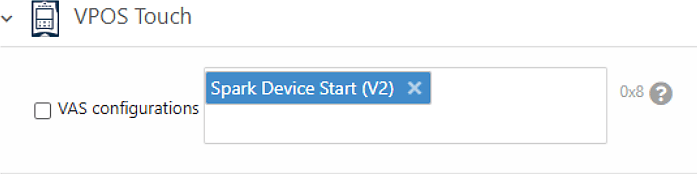
- Device Start with Device Stop: set Spark Device Start (V2) only. The Device Start (V2) value covers both Device Start and Device Stop.
Configuration summary
Use this table as a quick reference for Device Stop, depending on the start flow you pair it with:Next steps
Device stop
See how the Device Stop transaction flow works at the API level.
Additional features
Configure POS display timeouts, idle mode images, and other options.