

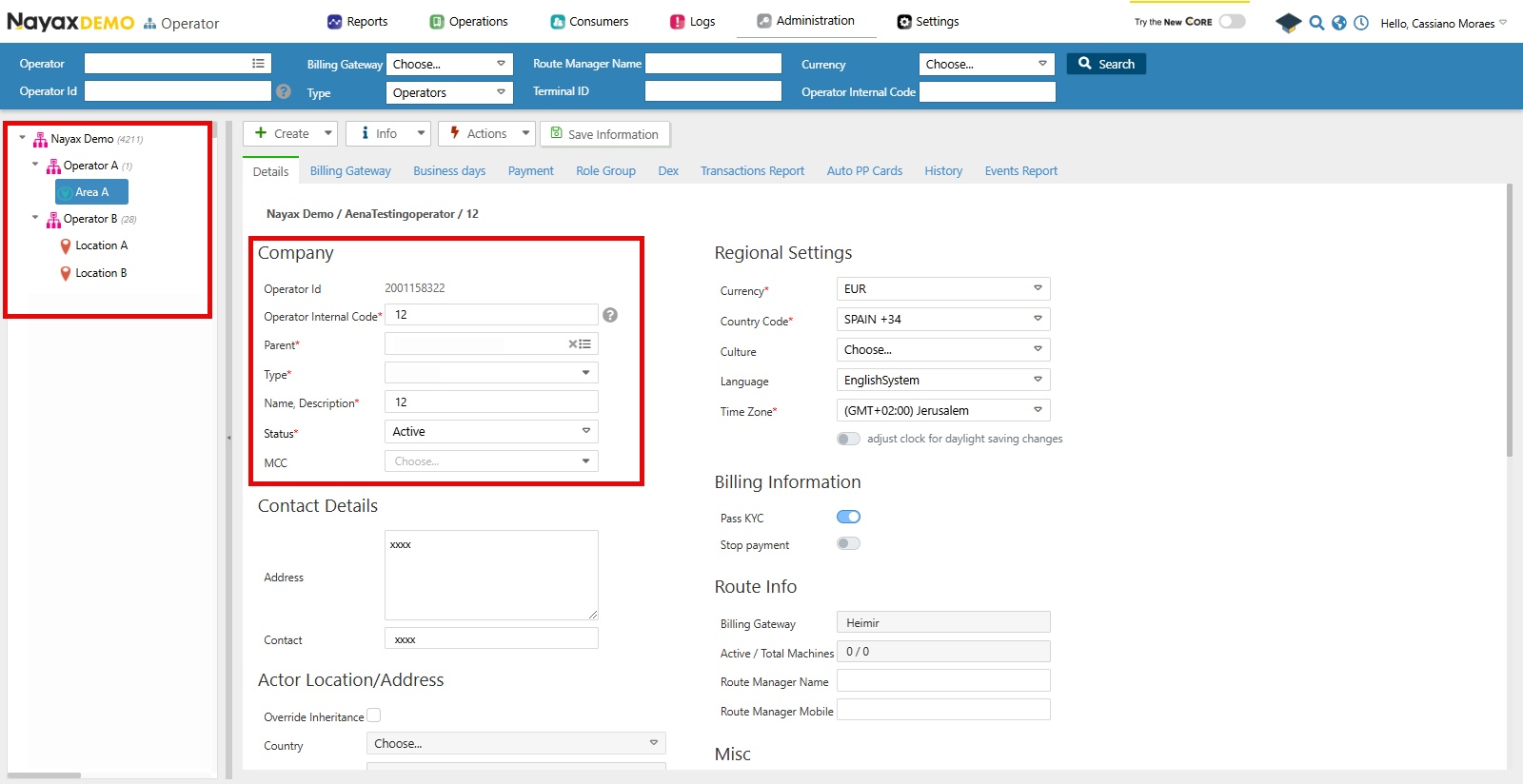
Lynx API
You can also use Lynx API to programmatically retrieve the hierarchy of an Operator and its details by using the following endpoint:Get operator hierarchy
The Get Actor Hierarchy for Current User endpoint retrieves the hierarchy for the current user or a specified actor/operator and its child entities, such as areas, routes, and machines, by providing theActorID in the query params of the request. See the example request in the code block below:
Lynx API ActorsIn Nayax Core, the Operators and its types, such as “Area” and “Routes”, are only nomenclatures that help you differentiate them. However, in Lynx API, they are all referred to as Actors, which are only differentiated by the
ActorTypeID.Response
With a successful request, the endpoint will return an array of Operator objects. See an example in the code block below:ActorID: 12345 showing each of its children operators. The table below describes each of the response’s body parameters: