

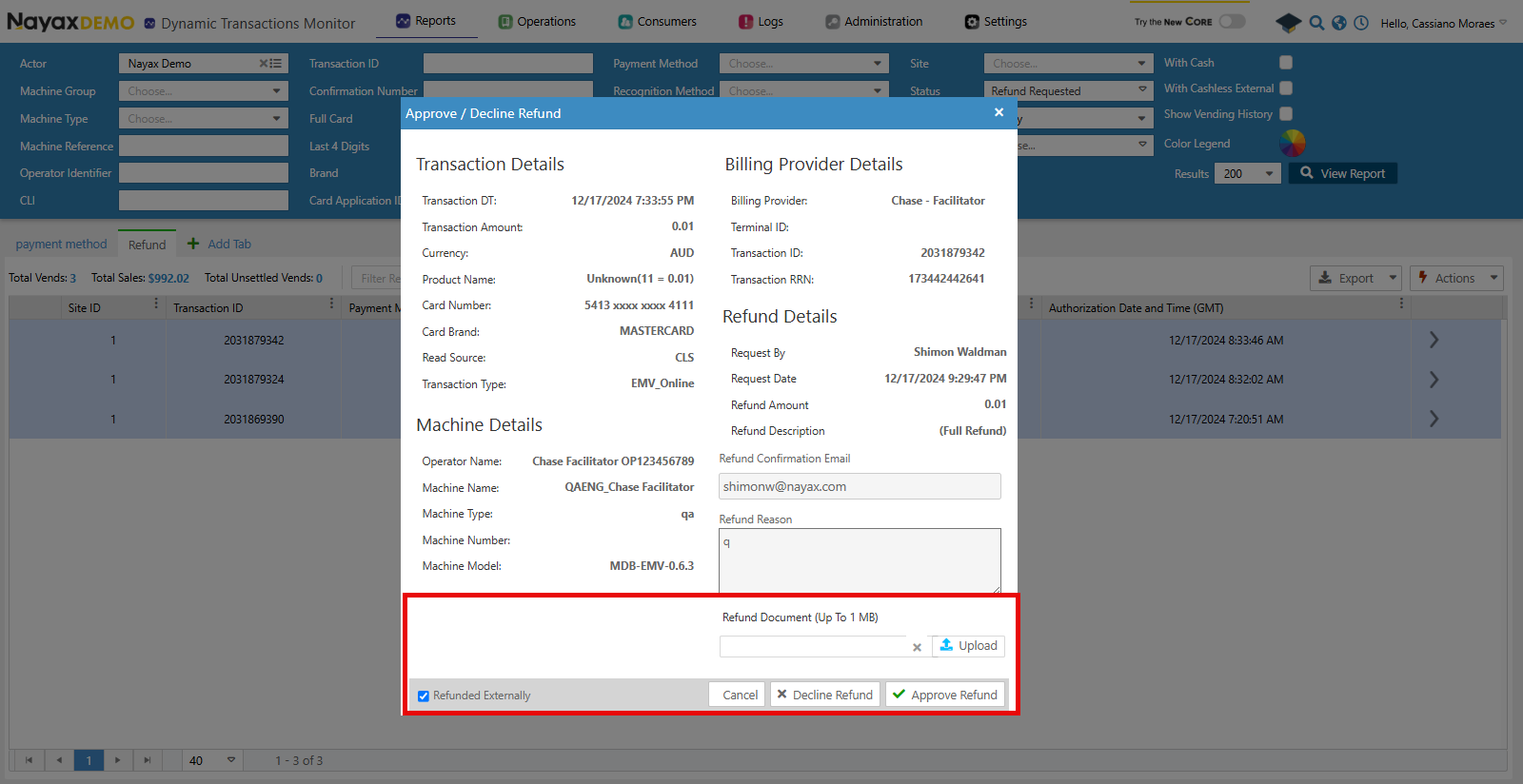
IsRefundedExternally has to be set to true when accepting the refund and the file received by the billing provider added in the RefundedDocumentUrl.
In Nayax Core, this is set when accepting or declining a refund by selecting Refunded Externally. You can upload the refund document. See the image below:
Lynx API
With Lynx API you can also upload the refund documentation to get theRefundedDocumentUrl. The endpoint below is used for this:
Use the Upload Refund Documentation endpoint to upload the file received by the billing provider. See the request example below:
Request
The
TransactionId, SiteId and MachineAuTime need to be the same as sent in the refund request.Response
RefundedDocumentUrl flag when using the Approve Refund endpoint.