

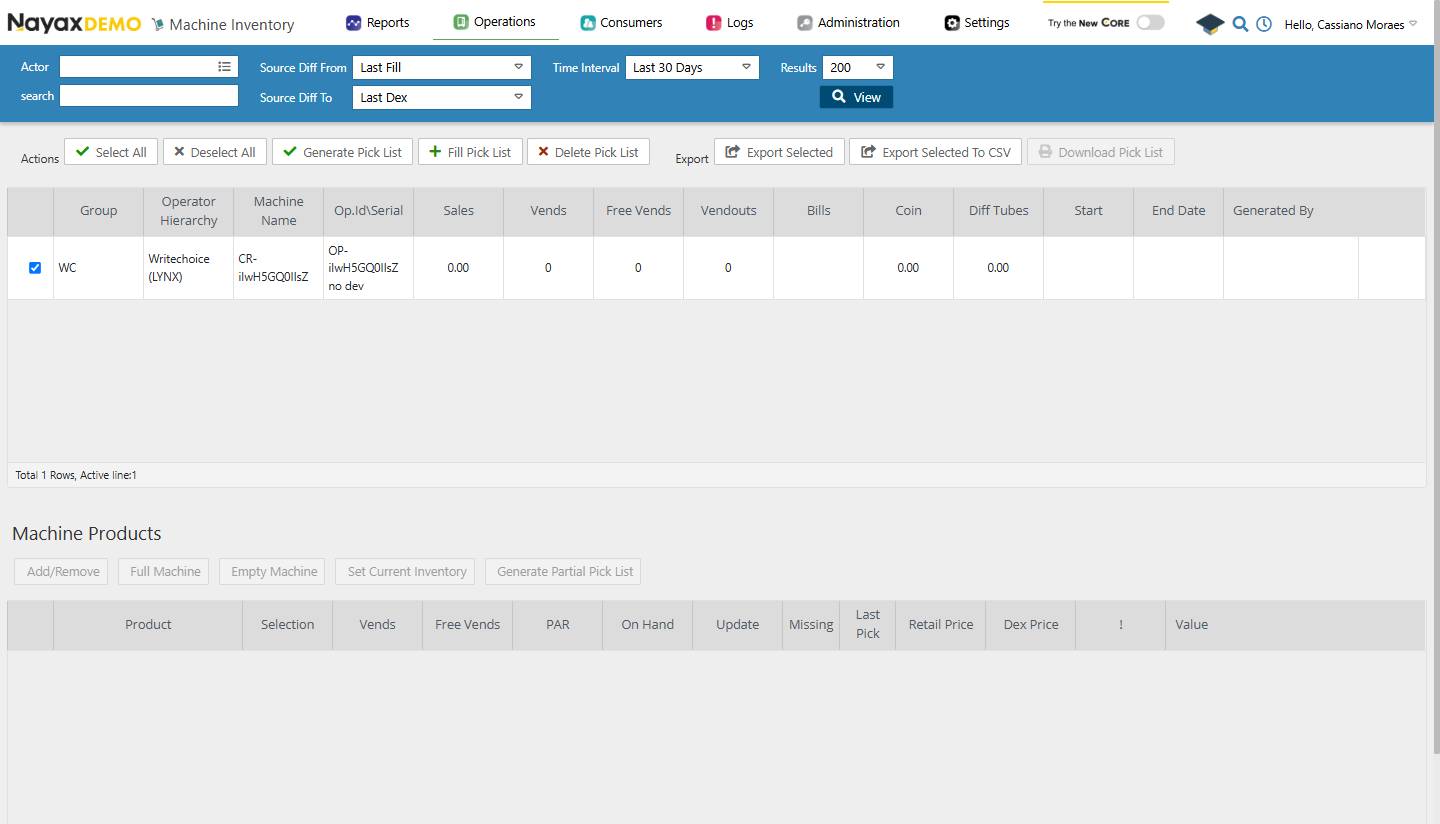
Get a pick list
Use the Get Pick List endpoint to retrieve the pick list associated with a specific machine.Request
Path ParamChange
MachineID with the actual ID of the machine to retrieve the pick list from.Update a pick list
Use the Update Pick List endpoint to modify product quantities or other details in a machine’s pick list.Request
A successful response returns the pick list with the updated pick quantities.
Delete a pick list
Use the Delete Pick List endpoint to remove the pick list associated with a specific machine.Request
200 OK response confirms the pick list has been deleted.