

System architecture
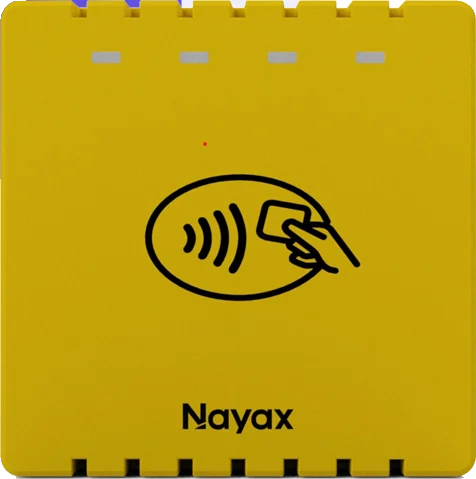
The UNO-mini is part of the Nayax OEM POS Solution, a three-component system that handles the full payment stack so you can focus on your application’s user interface and business logic. The three components are:- UNO-mini: The cashless reader hardware. Handles contactless card reading and EMV processing at the device level.
- EMV Core: Client software that runs on the kiosk controller (Android, Linux, or RTOS). Serves as the integration layer between your application, the payment processor gateway, and the UNO-mini.
- Nayax Core: Pre-integrated cloud service for remote management of terminals and clearing transactions worldwide.
Specifications
The following table lists the main hardware specifications.Supported payment methods
The UNO-mini accepts all major contactless payment methods:- Debit and credit cards
- Mobile and NFC contactless payments
- Prepaid cards and closed-loop payment solutions
Next steps
Mechanical integration
Mount the UNO-mini in your hardware enclosure and configure serial number display.
Get started with EMV Core
Install the EMV Core SDK and connect to the UNO-mini from your host application.